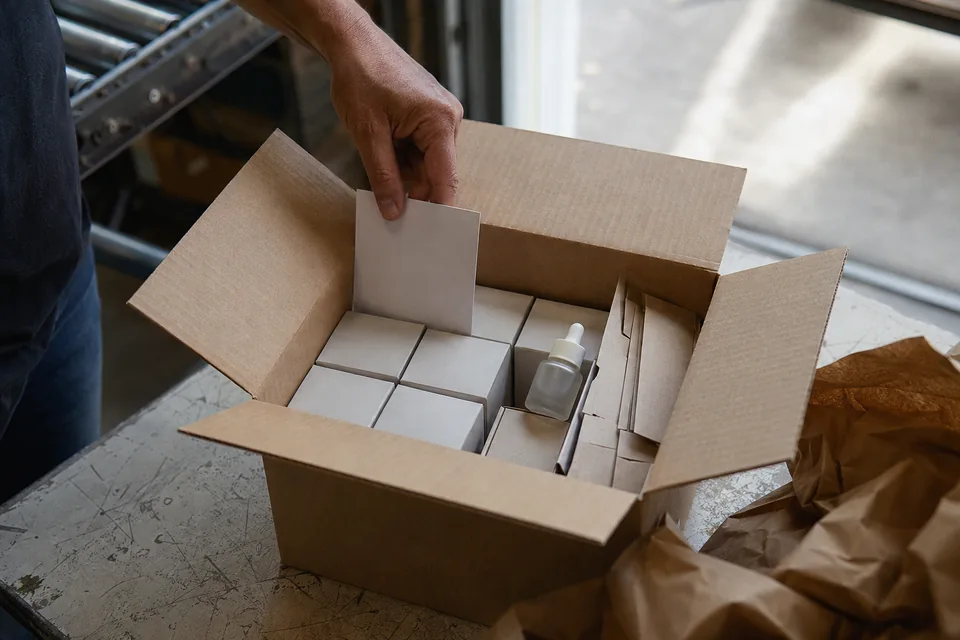
The counter display has arrived and stayed in the stockroom. The tester is out, but on the back shelf. A point-of-sale display is only worth something once it is set up in the right place, and that set-up depends on what was agreed with the pharmacy before it was sent. Here is what the term covers, the materials you come across in pharmacies and how to send them out with an order.
POS displays: a definition
POS display (PLV, publicité sur le lieu de vente) means advertising at the point of sale. The term covers all the physical materials a brand supplies to a retail outlet to promote its products: counter display, easel, poster, window sticker, shelf talker, tester. In pharmacies and parapharmacy retail, POS displays mainly accompany skincare, personal care and food supplement ranges, which are sold at the counter and from open shelves.
The POS display is the object. Two other words describe what surrounds it. Merchandising is the placement method: where to put the product, how many facings, which piece of display material. Asilage, the automatic bundling of display material with the order, is the commercial mechanism that sends the display out with the order. You can decide on a POS display without asilage, by handing it over during a visit, and on asilage without a POS display, for a sample for instance.
The materials you come across in pharmacies
- →Counter display: a small unit holding a few products, placed near the till. The most requested, and the most often refused for lack of space.
- →Tester: a unit meant for trying the product, to be kept apart from stock for sale. It needs its own product code.
- →Easel and shelf talker: flat materials that flag a new line or an offer on the shelf.
- →Poster and window sticker: visible from outside, subject to the pharmacy owner’s agreement and to the rules on window displays.
- →Floor-standing unit: reserved for seasonal campaigns and for shops with the floor space to take one.
Medicine samples and their promotion follow a framework separate from the one covering skincare products. The examples in this article concern parapharmacy ranges; have the materials and the terms on which they may be distributed approved for each range.
Sending the POS display out with the order
A POS display sent without a rule ends up in the stockroom or in duplicate. The sending rule states what triggers the addition, who is eligible and how many times. Fictional example: an easel and a tester with the first order from the range during the launch period, once per pharmacy, excluding accounts that already have the material.
Has the pharmacy already received this display material?
- YesDo not send it again
Find the existing allocation and check that it is actually set up.
- NoAdd the line
Insert the display material in the shipment if stock allows, and otherwise report the shortage.
Test two orders on the same day and a split order before handing the rule over to a tool.
Delivered is not installed
Logistics confirms that a display has shipped. It does not tell you whether it is set up. Keep two states: delivered and installed. The second needs feedback from the pharmacy or an observation during a visit, with the owner’s agreement. That is also the moment to record why a display is not in place: too big, arrived after the season, damaged in transit.
A display chosen together with the pharmacy is more likely to be installed than one imposed on it. Ask for the dimensions of the counter and of the shelf before proposing a format; a small counter display that is easy to restock is often worth more than a large floor-standing unit.
Costing a POS display campaign
Fictional example: 200 pharmacies receive an easel costing €1.50 and a tester costing €2 to produce, so €700 of items. With €0.50 of extra picking per parcel, the budget reaches €800, before any additional shipping cost and design cost. Compare that amount with the pharmacies actually equipped, not with the pharmacies delivered.
Track your display material all the way to the shop
Sending rules, free lines on the order, observations recorded during visits: let us look at how to declare and track a POS display campaign in Salesia.
The other everyday terms used in pharmacies are collected in the pharmacy glossary.

By Anatole Briant

By Anatole Briant
By Anatole Briant

CEO of Salesia
Anatole Briant is CEO of Salesia. He is your contact for demonstrations, pricing and partnerships.